JournalModern, editable websites
How to change your website without losing your Google rankings
What to do before, during and after launching a new website so Google doesn’t forget you, with my own site’s change of domain as the example.

A new website can be far better than the old one and still lose visits on the day it launches. Not because of the design, but because Google loses track of the pages it already knew. This month I moved my own website to a new domain, from thejourny.com to andresblanco.dev, so here is how it’s done, with a real case.
 andresblanco.dev

Why rankings drop when you change websites
Google doesn’t rank “your website”: it ranks specific pages. Each address has its history, the links it gets from other sites and its place in the results. If those addresses stop existing when the new site launches, all that work is lost and you start from scratch.
It almost always comes down to the same things: addresses that change without a redirect, content that disappears with nothing to replace it, and a new site that Google is slow to discover.
Before launch: the inventory
- List every address on the current site. The sitemap, Search Console and a crawling tool give you the full list, including pages you no longer link from the menu.
- See which ones bring visits. In Search Console you can see which pages appear on Google and for which searches. Those are the ones you can’t afford to lose.
- Decide where each one goes. Every old address has to lead to its equivalent on the new site. If a page disappears, point it to the closest one, not to the home page.
On launch day: 301 redirects
A 301 redirect tells the browser and Google “this page has moved here for good”. Google carries over to the new address almost everything the old one had earned.
In my case, every page on thejourny.com redirects to its equivalent on andresblanco.dev: the home page to the home page, each project to its case study and pages that no longer exist to the closest section. It’s only a few lines in the server’s configuration, but they have to be written one by one.
thejourny.com/andresblanco.dev/404 errorthejourny.com/projectsandresblanco.dev/work/404 errorthejourny.com/nomadictandresblanco.dev/work/nomadict/404 errorthejourny.com/servicesandresblanco.dev/#services404 errorthejourny.com/contactandresblanco.dev/#contact404 error
Visits from Google
The addresses are the real ones from my change of domain. The visits curve is illustrative: it is how a typical relaunch behaves.
- Don’t send everything to the home page. Google treats that almost as if the page had been deleted.
- One redirect, no chains. From the old address straight to the final one, with no steps in between.
- Keep them forever. Redirects don’t expire, and old links keep circulating for years.
Afterwards: tell Google
- Add the new site to Search Console and submit its sitemap. It’s the fastest way for Google to discover the new pages. It’s the first thing I did with andresblanco.dev.
- If you change domain, use the Change of address tool that Search Console offers in the old property.
- Keep an eye on the first few weeks: pages with errors, addresses returning a 404 and searches that drop. A small dip at first is normal; a lasting one isn’t.
What’s worth taking advantage of
A redesign is a good moment to fix what was holding the old site back: speed, versions in other languages properly marked for Google, the title and description of each page. But without touching what already works: if a page ranks first on Google, keep its address and its main content.
In short
Changing websites without losing rankings isn’t down to luck, but to an inventory, a redirect map and a couple of weeks of watching. If you’re thinking of renewing your website and you’re worried about what you already have on Google, tell me about the project and we’ll review it before touching anything.
Keep reading
- European Accessibility Act: what your website has to doSince 28 June 2025, many websites selling to consumers in the EU must be accessible. Who it applies to, what it requires in practice and how this site meets it.

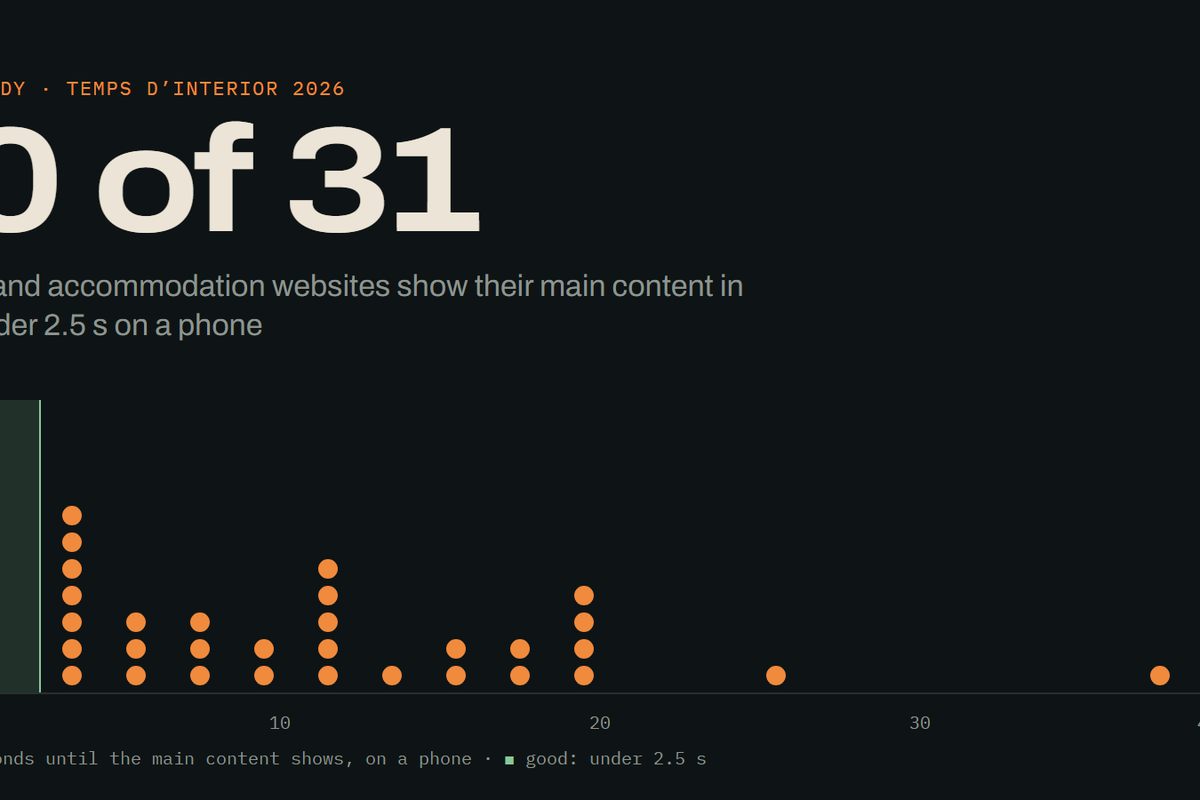
- I reviewed 31 rural accommodation websites: what keeps coming upI put the websites of the places to stay in the Temps d’Interior 2026 guide through the same tests. None loads in time on a phone, nearly always for the same reason.
- Why Elementor slows down your website (and what to do)I measured two of my own sites, one built with Elementor and one by hand: what slows an Elementor site down and what you can do about it today.